How to Reduce PDF File Size to Send It by Email
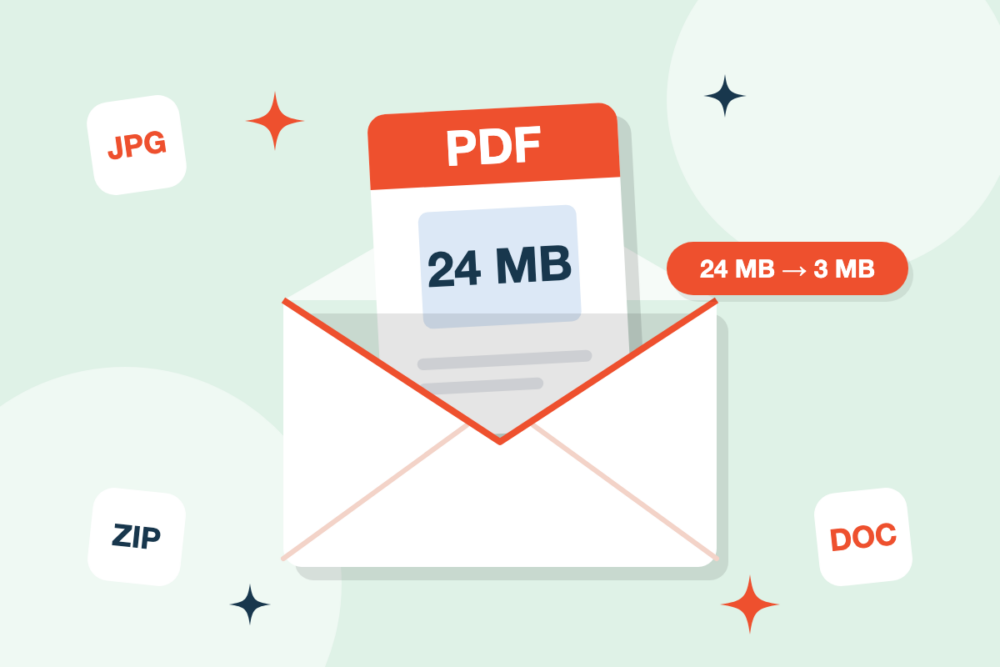
You try to attach a PDF to an email and get the message that the file is too large. Most email services limit attachments to around 20–25 MB, and a scanned contract or a presentation exported to PDF can easily go over that.
Why are some PDFs so large?
- Scanned pages: every page is a high-resolution image.
- Photos and graphics: images are often embedded at full quality, even if they are shown small.
- Embedded fonts: documents created with many fonts carry them inside the file.
Compress your PDF online
The quickest fix is Compress PDF. Upload the file, let it optimize the images inside, and download a lighter version. Text stays sharp, and for most documents the difference in quality is hard to notice on screen.
Still too big? Split it
If a very long document is still over the limit after compressing, use Split PDF to divide it into smaller parts and send them in separate emails. You can also extract only the pages the recipient actually needs.
Sending several files? Merge them
When you need to send a set of documents, such as an invoice, a contract and an annex, combine them with Merge PDF and then compress the result. One tidy attachment is easier for the recipient than five loose ones.
Tips to keep PDFs small from the start
- Scan documents at 150–200 DPI instead of 600 DPI. That is enough for reading and printing.
- Compress large photos with Compress Image before adding them to a document.
- When converting from Office, use Word → PDF, Excel → PDF or PowerPoint → PDF and compress the output if needed.
Get started
Open Compress PDF and make your file small enough to send in seconds.